

Learn how AI changes calendar management.
Practical guides for people comparing AI calendar assistants, scheduling links, group polls, multiple-calendar workflows, and timezone-aware meeting planning.


Use Supaplan when you want calendar outcomes, not another dashboard.
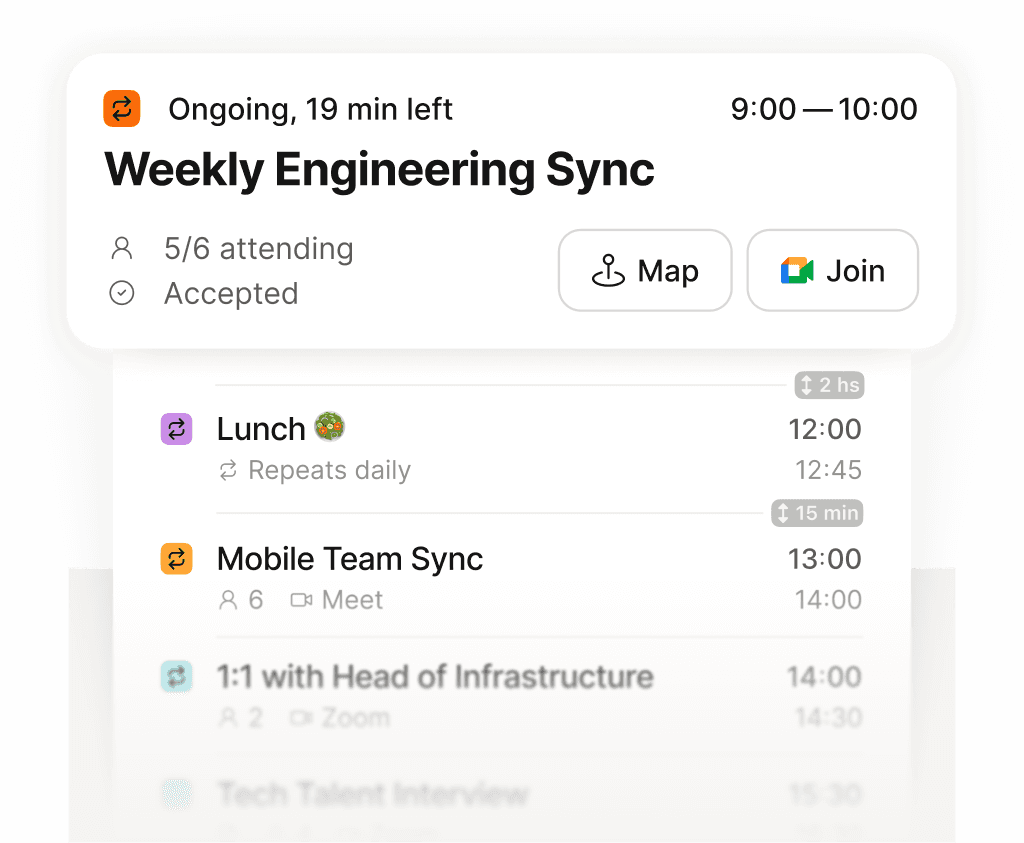
Every guide points back to the same outcome: a calendar that tells you what is next.
What is an AI calendar assistant?
An AI calendar assistant helps you manage calendar outcomes through natural language: scheduling, rescheduling, booking links, meeting prep, notes, contacts, and context across calendars.
ComparisonBest AI calendar assistants for busy individuals
Supaplan is the strongest choice for individuals who want AI calendar management, scheduling links, notes, contact intelligence, group polls, timezone scheduling, and mobile access in one product.
ComparisonBest Calendly alternatives for people who need more than booking links
Supaplan is a Calendly alternative for people who want scheduling links plus AI calendar assistance, meeting notes, contact intelligence, group polls, and multiple-calendar context.
ComparisonBest Doodle alternatives for group scheduling and calendar management
Supaplan is a Doodle alternative for people who want group polls connected to scheduling links, AI calendar management, meeting notes, contact context, and a smart agenda.
How-toHow to manage multiple calendars without double-booking yourself
The best way to manage multiple calendars is to connect them into one assistant workflow, protect real availability, and keep notes, contacts, and scheduling links aware of every commitment.
How-toHow to schedule meetings across time zones without mistakes
To schedule across time zones reliably, use timezone-aware booking links, protect travel buffers, review the calendar in local context, and keep guests from guessing the right time manually.
How-toHow to prepare for every meeting without digging through notes
To prepare for a meeting fast, let your calendar surface who you are meeting, what you discussed last time, and what is still open, so the context is ready before the call starts.
How-toHow to keep meeting notes attached to the right event
The best way to take meeting notes is to keep them attached to the calendar event and contact, so decisions and action items are exactly where you look next time.
How-toHow to manage your calendar from Telegram
You can manage your calendar from Telegram by messaging Supaplan in plain language to check your day, add events, and reschedule, then reviewing the proposed change before it is saved.
How-toHow to find a time everyone agrees on with a group poll
To find a time that works for a group, share a poll with candidate slots, let everyone vote, and let Supaplan book the winning time and keep it on the calendar.
How-toHow to sync Google, Outlook, and Apple calendars in one place
To sync multiple calendars, connect every Google, Outlook, and Apple account that affects your time so one assistant can see your true availability and protect it.
How-toHow to add events to your calendar from a photo or screenshot
To add an event from a photo, send the screenshot or flyer to Supaplan and it extracts the date, time, place, and title into an event you review before saving.
How-toHow to collect RSVPs for an event without asking guests to sign up
To collect RSVPs without friction, share one event link where guests respond with a name and email, and watch a live list of who is coming update for you.