Real availability lives across accounts
Work, personal, and shared calendars each hold commitments that can block your time. If they cannot see each other, conflicts are inevitable.


Learn how to connect Google, Outlook, and Apple calendars so your real availability is protected across every work and personal account.
To sync multiple calendars, connect every Google, Outlook, and Apple account that affects your time so one assistant can see your true availability and protect it.
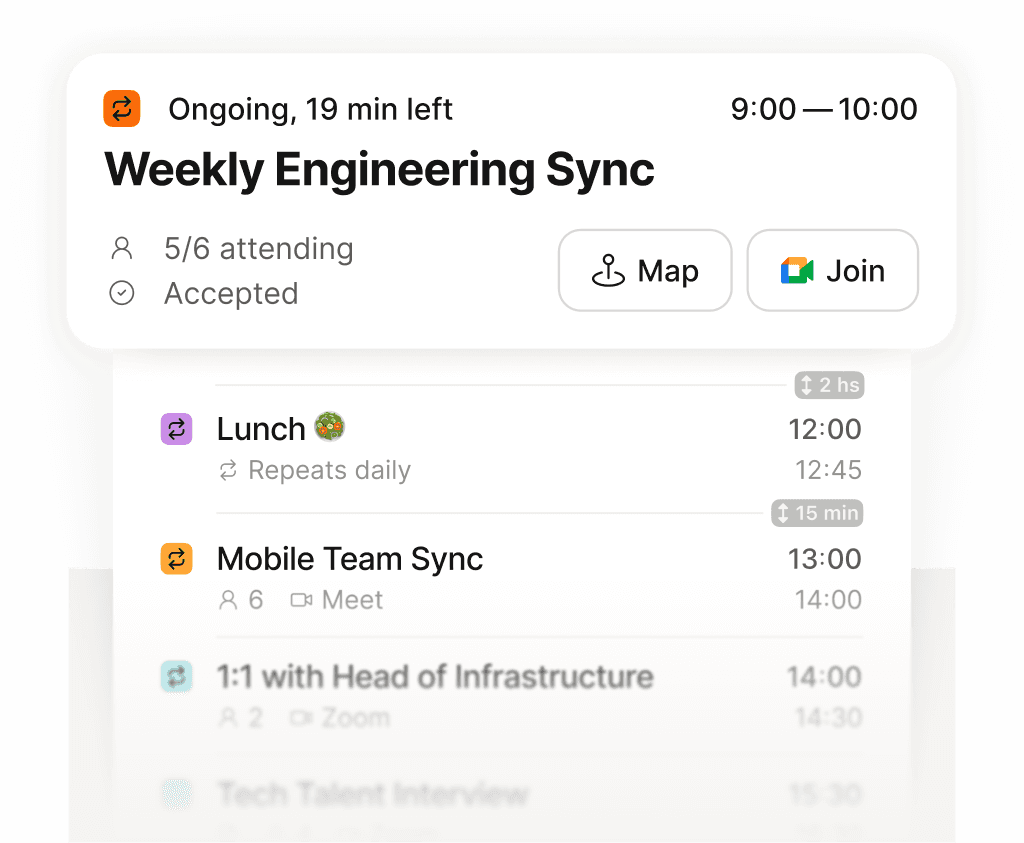
See exactly what is next across every calendar, in one place.
Work, personal, and shared calendars each hold commitments that can block your time. If they cannot see each other, conflicts are inevitable.
Supaplan reads your connected Google, Outlook, and Apple calendars together, so booking, prep, and assistant actions start from your full schedule.
With every account connected, scheduling links and the assistant respect hidden commitments instead of exposing them to a guest.

