Sign-up friction lowers responses
When guests have to create an account or install an app to RSVP, many simply do not. The response you needed never arrives.


Learn how to share one event link and collect RSVPs with just a name and email, with no account, no app, and no calendar invite to wrestle with.
To collect RSVPs without friction, share one event link where guests respond with a name and email, and watch a live list of who is coming update for you.
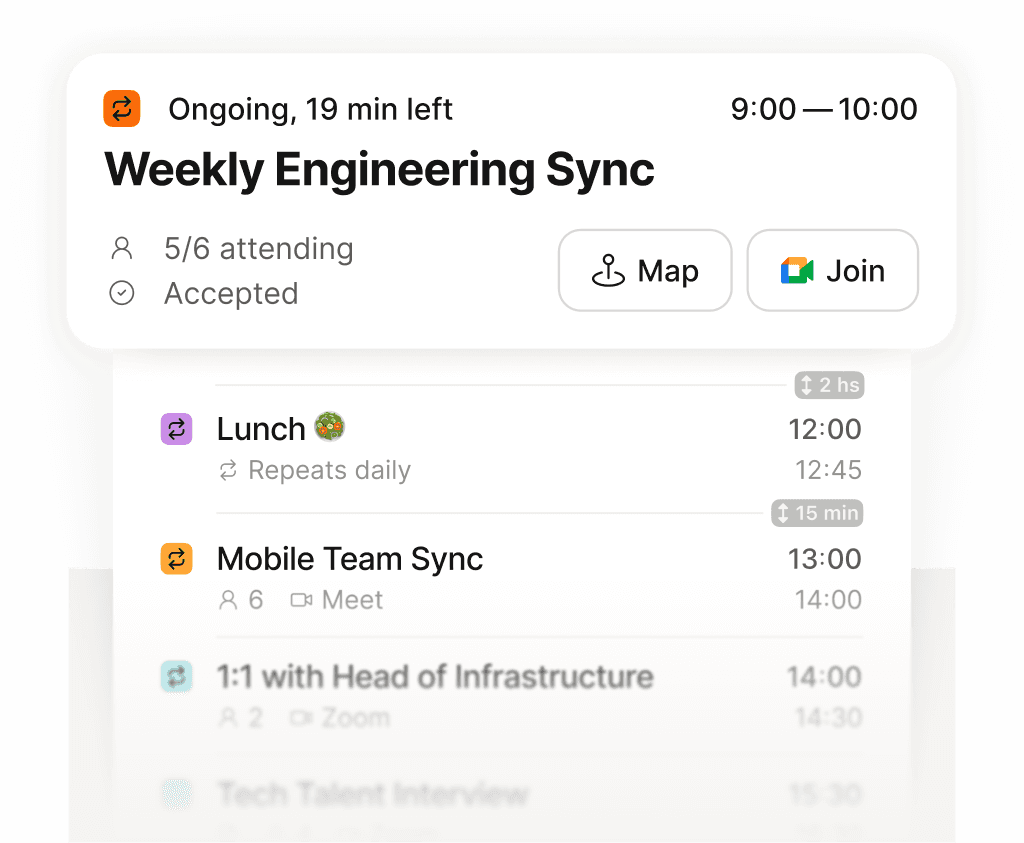
See exactly what is next across every calendar, in one place.
When guests have to create an account or install an app to RSVP, many simply do not. The response you needed never arrives.
Create an event, share a single link, and anyone can RSVP with just their name and email. No account and no download stand in the way.
Responses update a live attendance list, so you always know the count without piecing replies together from your inbox.

