Group scheduling stalls in email
Reply-all threads to find one shared time are slow and easy to lose track of. Someone always misses the message or the time shifts again.


Learn how to run a group poll that collects availability from everyone and books the winning time, without endless email threads.
To find a time that works for a group, share a poll with candidate slots, let everyone vote, and let Supaplan book the winning time and keep it on the calendar.
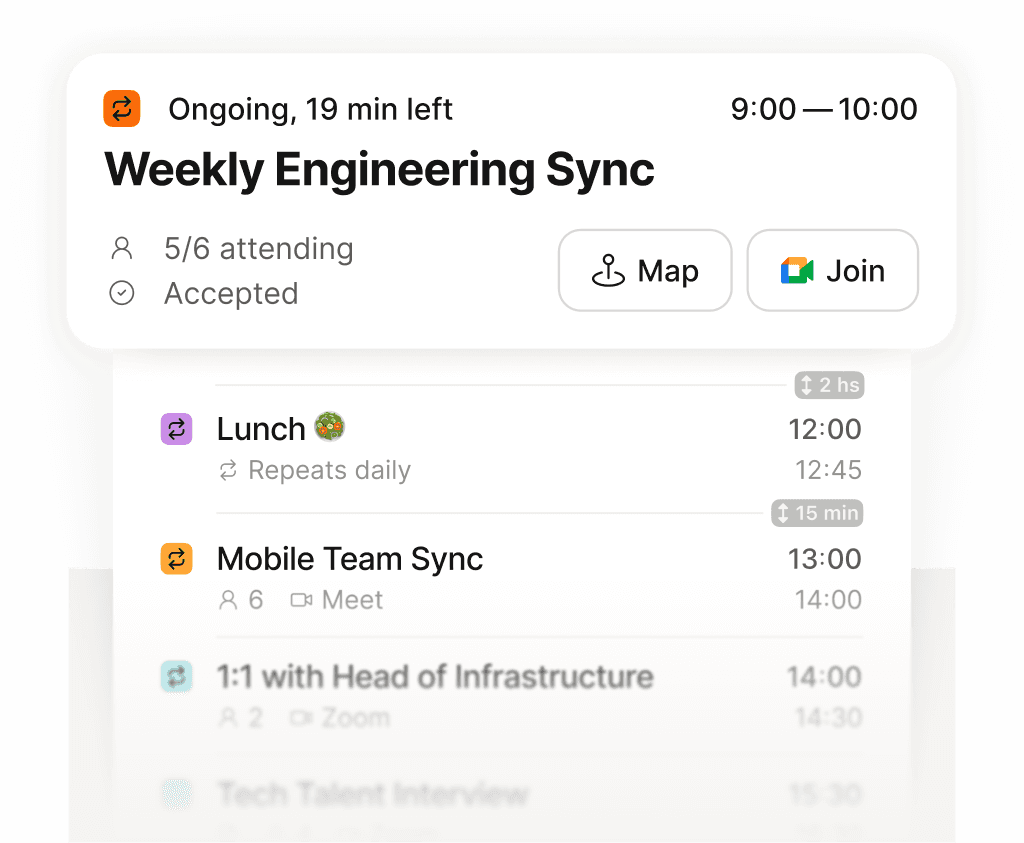
See exactly what is next across every calendar, in one place.
Reply-all threads to find one shared time are slow and easy to lose track of. Someone always misses the message or the time shifts again.
Create a poll with a few candidate slots, share one link, and let people vote. Supaplan tracks the responses and books the time that works for the most people.
Once a time wins, it becomes a real event with the right people, instead of a decision stranded in a separate polling tool.

