The fastest path is often a message
When you are moving between meetings, opening a calendar app is friction. A short message is the quickest way from a calendar question to an answer.


Learn how to check your schedule, add events, and reschedule meetings straight from a Telegram chat, without opening a calendar app.
You can manage your calendar from Telegram by messaging Supaplan in plain language to check your day, add events, and reschedule, then reviewing the proposed change before it is saved.
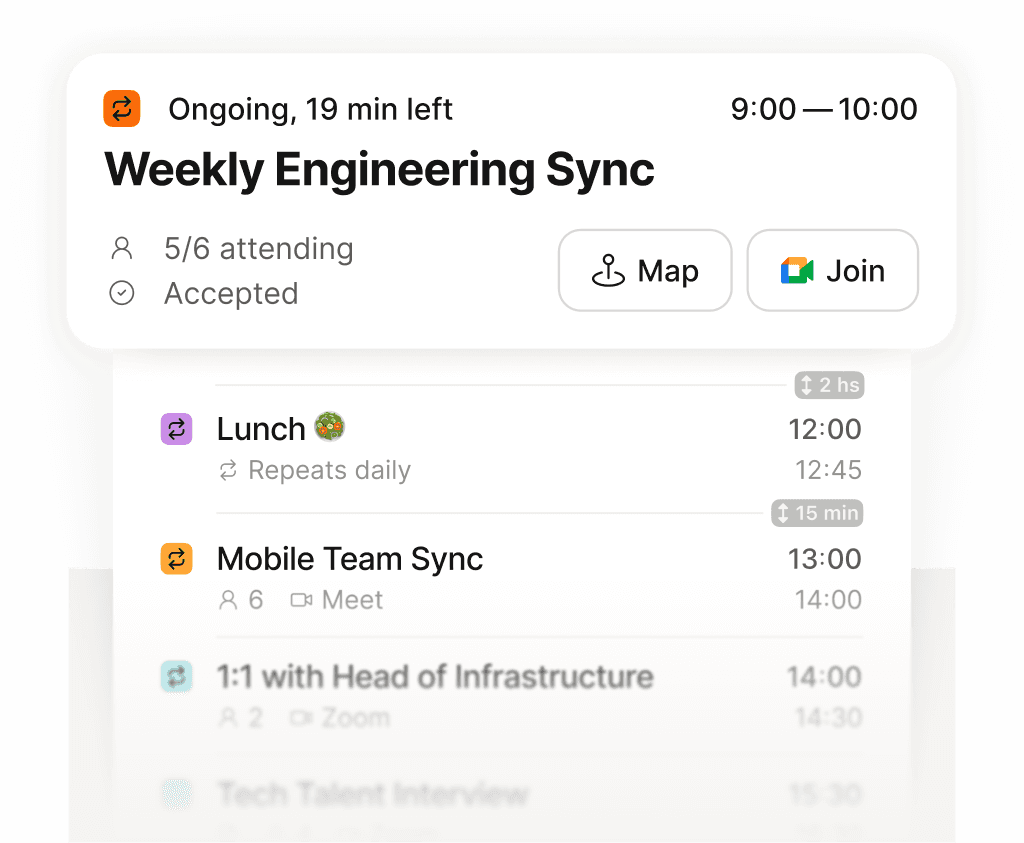
See exactly what is next across every calendar, in one place.
When you are moving between meetings, opening a calendar app is friction. A short message is the quickest way from a calendar question to an answer.
Ask Supaplan in Telegram to show your day, block focus time, or move a call. It reads your real calendar context and proposes the change for you to confirm.
Telegram, mobile, and web all use the same assistant, so a request you start on your phone stays consistent with the calendar you trust.

