

Group scheduling polls

Group scheduling polls without endless threads.

Supaplan is a group scheduling poll workflow that helps multiple people vote on meeting times, then connects the outcome back to your calendar assistant.

Best forOrganizers who need several people to agree on one shared meeting time.

Download on the App Store
Get it on Google Play
In practice

A messy group thread becomes one decision.

Five people need to meet, and every reply proposes another possible time. A booking link is too narrow because the group needs to compare options together.

Outcome

Supaplan turns candidate slots and votes into a clear winner that can move into the calendar.

  1. Options
    Offer real candidate times

    Start with slots that the organizer can actually support instead of asking everyone to suggest anything.

  2. Votes
    Collect availability in one place

    Participants respond to the same poll, so the organizer stops reconciling replies across tools.

  3. Commit
    Move the winner forward

    Once the best time is clear, the meeting can become a real calendar event rather than another message.
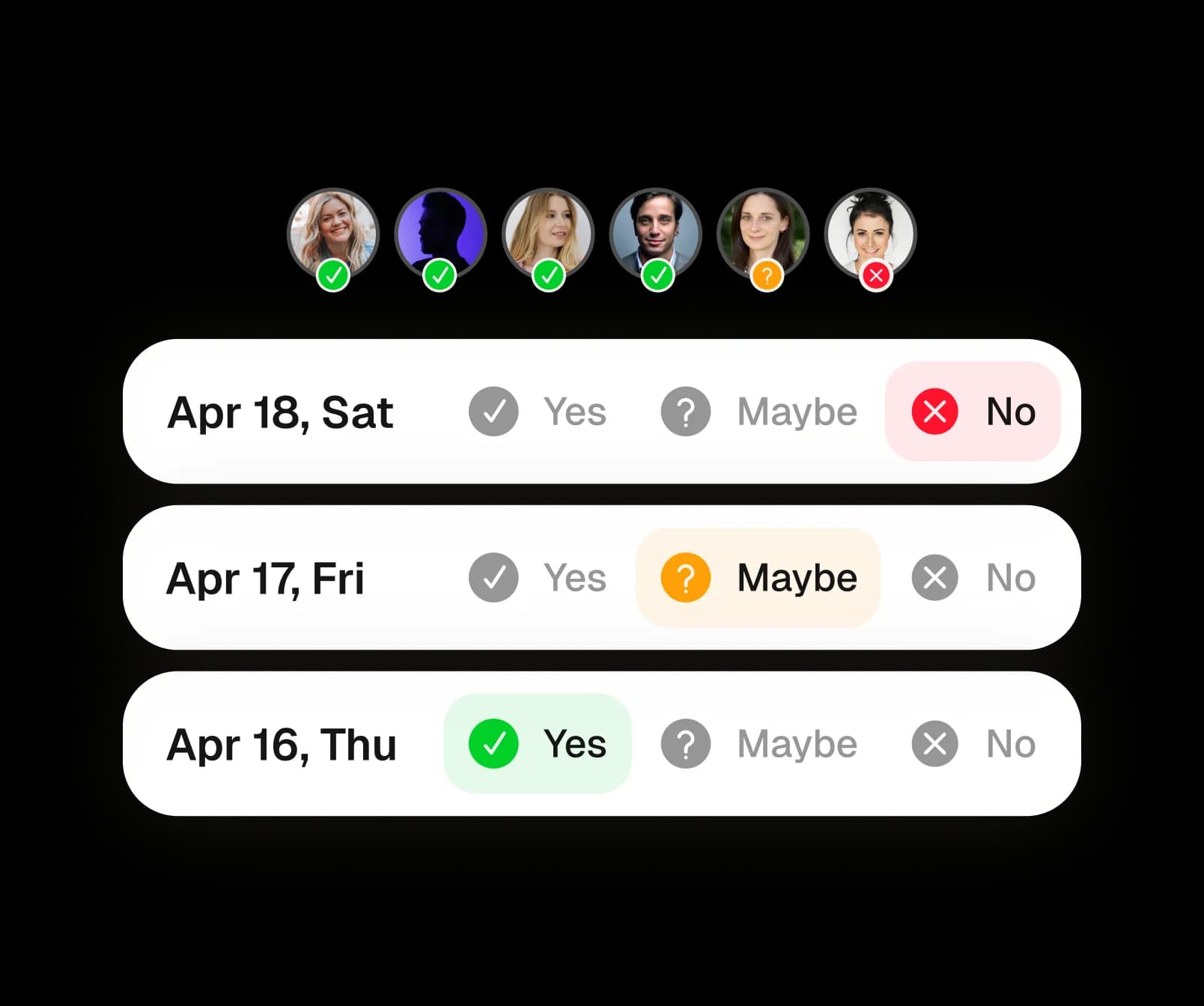
Collect availability in one place

Votes replace scattered replies and side threads.

Reduce coordination load

The organizer sees the decision path clearly.

Coordinate work and personal groups

Use one flow for dinners, panels, calls, and communities.

Why Supaplan

Built for the whole calendar workflow.

  • Supaplan connects the group decision to scheduling, agenda, and assistant workflows.

  • It is designed for personal calendar management rather than standalone polling only.

  • Polls can sit beside booking links when different coordination jobs need different tools.

Poll mechanics

From candidate slots to one shared time.

Supaplan keeps the organizer focused on the decision, not on chasing availability across messages.

  1. 01Offer choices

    Pick a set of candidate slots that could work.

  2. 02Collect votes

    Share the poll with guests so they can vote on availability.

  3. 03Book winner

    Use the winning slot to move the meeting into your calendar workflow.

Poll examples

"Choose a time for a board call with people in multiple calendars."

"Plan dinner with friends without twenty messages."

"Schedule a group interview panel."

"Coordinate a community or mastermind call."

Decision guide

Use a poll when several people need a time.

Best when the work is choosing one shared time before the meeting can become a real calendar event.

Best when
  • A group needs to compare several possible times.
  • The organizer needs a decision, not another chat thread.
  • The winning time should become part of the broader calendar workflow.
Consider another tool
  • Only one guest needs to book with you.
  • The event time is already final and you only need attendance responses.

Pairs well withScheduling links when the next meeting is one-to-one.Event RSVP after the group has chosen a time and attendance needs tracking.

FAQ

Questions before running a group poll

Is Supaplan a Doodle alternative?

Supaplan can replace lightweight group polls while also giving you an AI calendar assistant, scheduling links, notes, contacts, and a smart agenda.

Do voters need an account?

Group poll flows are built for lightweight public participation, so invitees can respond without adopting your full calendar stack.

When should I use a group poll instead of a scheduling link?

Use a scheduling link when one guest chooses from your availability. Use a group poll when several people need to agree on one shared time.