The problem is hidden commitments
Double-bookings happen when work tools cannot see personal plans, advisory calls, travel blocks, or another calendar account that still affects your time.


A practical guide to managing work, personal, travel, advisory, and side-project calendars with less context switching and fewer hidden conflicts.
The best way to manage multiple calendars is to connect them into one assistant workflow, protect real availability, and keep notes, contacts, and scheduling links aware of every commitment.
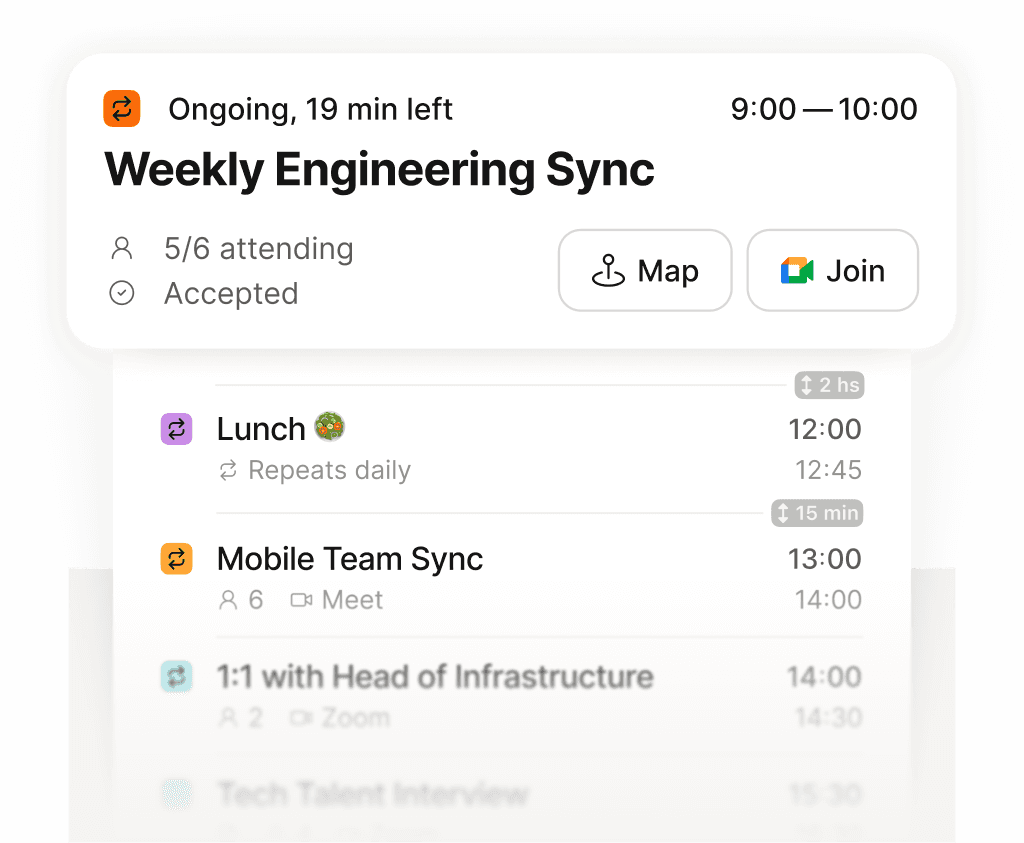
See exactly what is next across every calendar, in one place.
Double-bookings happen when work tools cannot see personal plans, advisory calls, travel blocks, or another calendar account that still affects your time.
Supaplan is designed for people whose real availability spans several calendars and contexts, not just one work calendar.
Once calendars are connected, scheduling links, meeting notes, contact intelligence, and smart agenda workflows become more reliable.

