Timezone mistakes are usually workflow mistakes
People get booked at bad hours when time zones are calculated manually, travel blocks are missing, or guests do not see availability in their own context.


Learn how to reduce timezone confusion with booking links, travel buffers, local context, and AI-assisted calendar workflows.
To schedule across time zones reliably, use timezone-aware booking links, protect travel buffers, review the calendar in local context, and keep guests from guessing the right time manually.
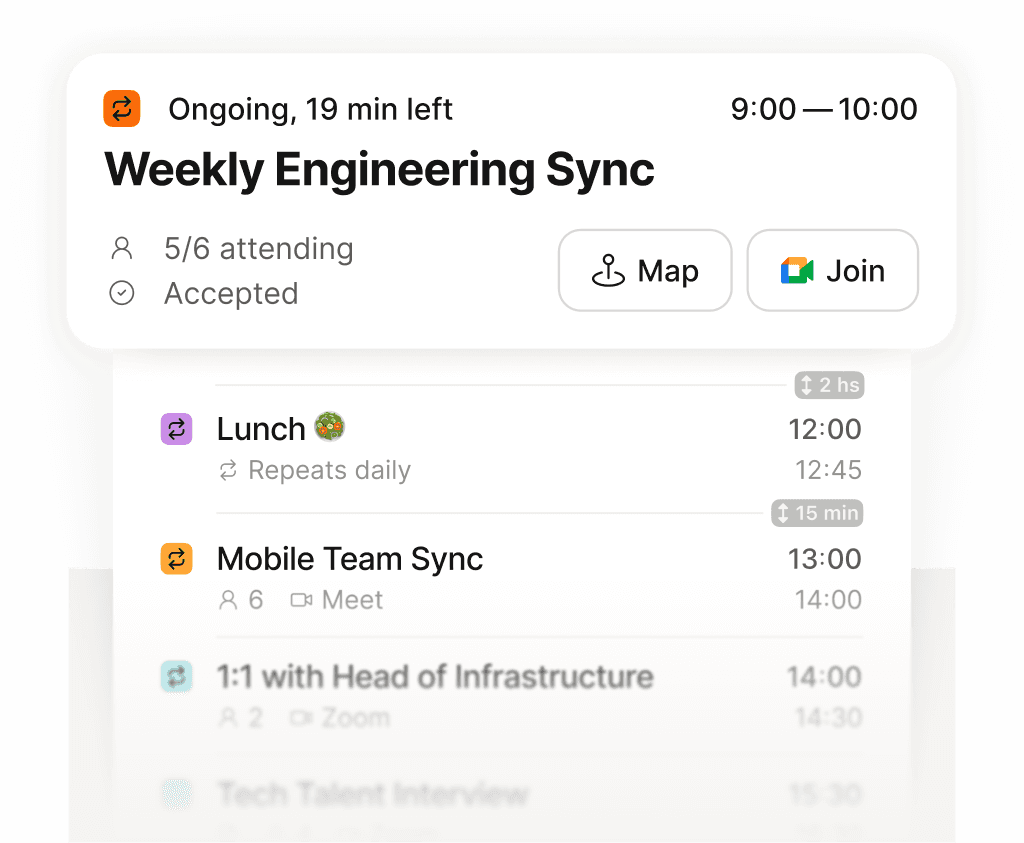
See exactly what is next across every calendar, in one place.
People get booked at bad hours when time zones are calculated manually, travel blocks are missing, or guests do not see availability in their own context.
Supaplan combines timezone-aware scheduling links with calendar assistant workflows for travelers, remote workers, and globally connected individuals.
Flights, local commitments, hotel check-ins, and recovery time can matter as much as meeting availability.

