

Multiple calendars

One assistant for multiple calendars.

Supaplan is a calendar app for multiple calendars, built for people who need one assistant to understand real availability, notes, links, and context.

Best forPeople whose real availability spans work, personal, advisory, travel, and side-project calendars.

Download on the App Store
Get it on Google Play
In practice

Separate calendars become one availability truth.

Work says you are free at 4pm, personal has a protected commitment, and an advisory calendar holds board prep. Checking each account manually slows every scheduling decision.

Outcome

Supaplan gives booking, agenda, and assistant workflows the same fuller availability picture.

  1. Sources
    Connect the calendars that matter

    Work, personal, travel, advisory, and side-project calendars can all shape what is really available.

  2. Conflicts
    Protect busy time without oversharing

    Hidden commitments can block bookings and assistant actions while staying private.

  3. Availability
    Act from one trusted view

    Scheduling links, agenda review, and assistant requests start from the same real-world constraints.
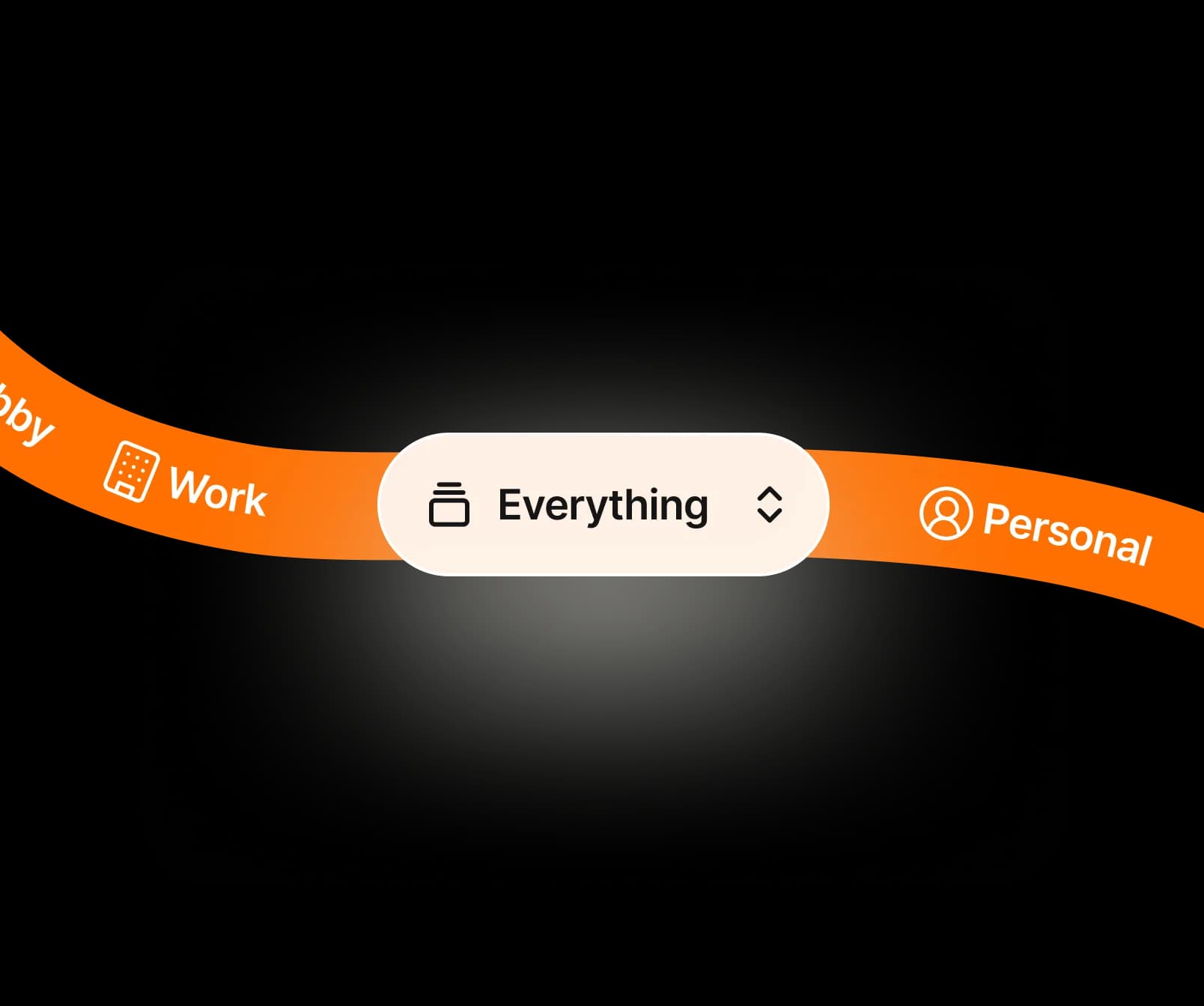
Stop checking calendars one by one

One assistant starts from the full availability picture.

Protect real availability

Hidden commitments still protect booking and prep.

Protect commitments across roles

Work, family, advisory, and travel time stay in sync.

Why Supaplan

Built for the whole calendar workflow.

  • Supaplan uses multiple calendars as context for scheduling, notes, agenda, and assistant work.

  • It protects hidden commitments instead of only showing calendars side by side.

  • The product is designed for individuals whose time is split across roles.

Calendar merge

From calendar sprawl to one availability picture.

Supaplan reads the relevant calendars together so booking, prep, and assistant work start from real availability.

  1. 01Connect sources

    Connect the calendars that represent your real commitments.

  2. 02Protect conflicts

    Use Supaplan to view, schedule, and prepare across those contexts.

  3. 03Act from one view

    Share availability with more confidence because hidden conflicts are less likely.

Calendar examples

"Combine work and personal availability for booking links."

"Protect advisory or board commitments from work bookings."

"See travel and personal plans beside professional meetings."

"Use one AI assistant instead of multiple disconnected calendar apps."

Decision guide

Start from the full availability picture.

Use multiple-calendar support when hidden commitments should protect every booking, agenda, and assistant action.

Best when
  • Your real availability spans several accounts or roles.
  • You need booking links and assistant actions to respect hidden commitments.
  • Checking calendars one by one creates mistakes or delay.
Consider another tool
  • You have one simple calendar and never share booking availability.
  • You need enterprise resource scheduling for a team rather than personal calendar context.

Pairs well withScheduling links so guests book against real availability.Smart Agenda so events from every calendar become one readable day.

FAQ

Questions before connecting multiple calendars

Why do multiple calendars cause scheduling problems?

When commitments live in different systems, people can book over hidden conflicts, miss context, or waste time checking availability manually.

Who needs multiple-calendar support?

Executives, founders, consultants, freelancers, business travelers, and anyone with separate work and personal calendars benefit from one assistant that sees the full picture.

Does this help with booking links?

Yes. Booking links are more useful when they account for the calendars that actually make you busy.