
The assistant
Read about changes to the assistant and the ways it helps you work with your calendar. In-app assistant proposals still need your approval before a calendar write.
Read product updates across the assistant, scheduling, notes, and contacts, with dates and details from the release feed.
Read about changes to the assistant and the ways it helps you work with your calendar. In-app assistant proposals still need your approval before a calendar write.
Find updates to booking links, Planning, and invitations in the release feed below.
See release notes about invitations and messages that help you decide what needs attention.
Look for changes to the context you keep with people and meetings.
Follow changes to notes, contacts, and the information that helps you prepare.
Read the dated entries below to see what has shipped. Availability can differ by platform and plan.
Each release note includes its date, version when available, and a description of what changed.
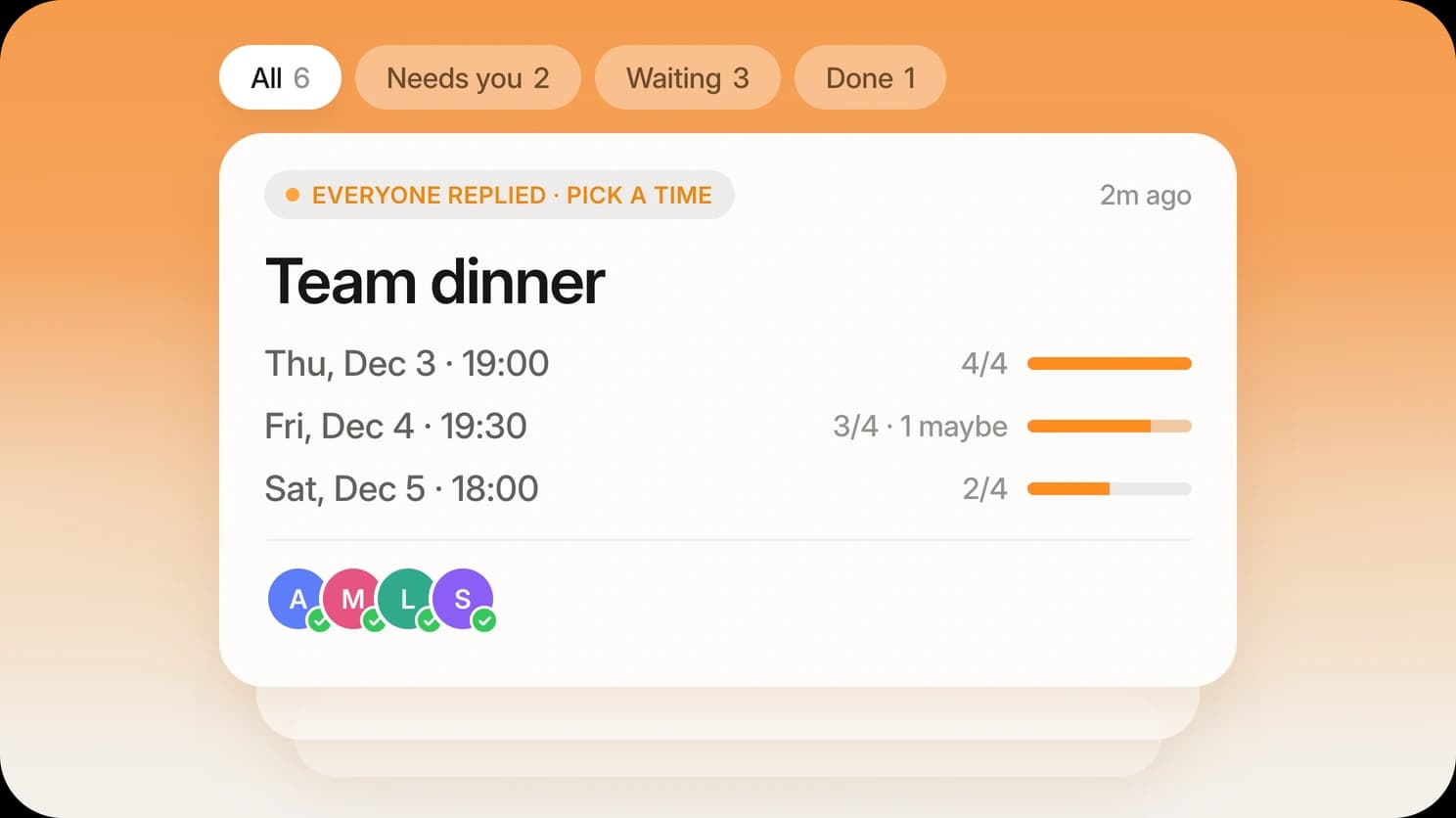
Stop chasing people for a time that works. Suggest a few options, invite everyone, and see who can make it. Then pick the best one and add it to your calendar.
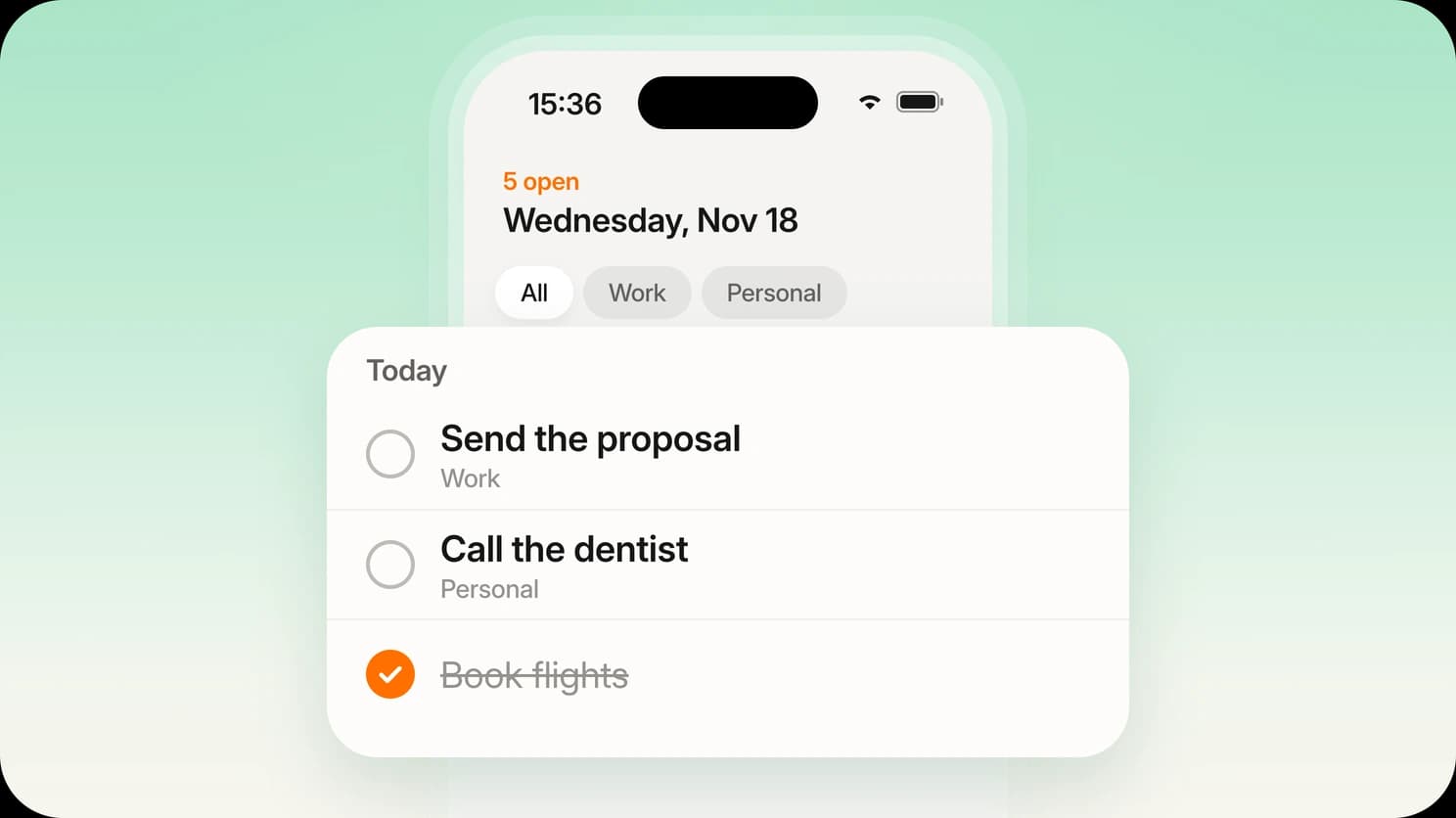
Keep your to-dos right next to your calendar. Add due dates, lists and subtasks, and see what's due today on Now.
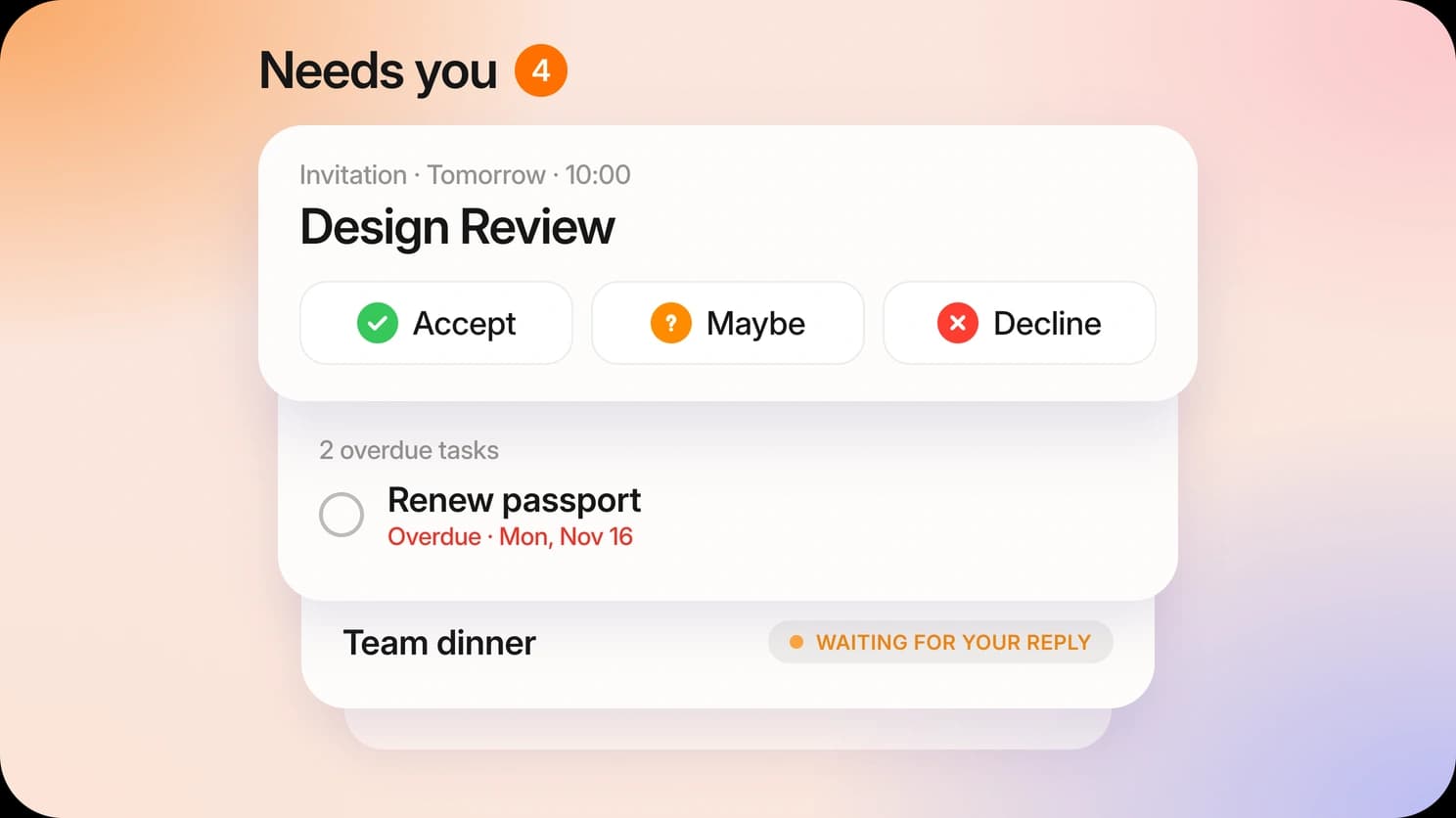
Invitations to answer, overdue tasks and plans waiting for your reply, together on Now with the most urgent first.
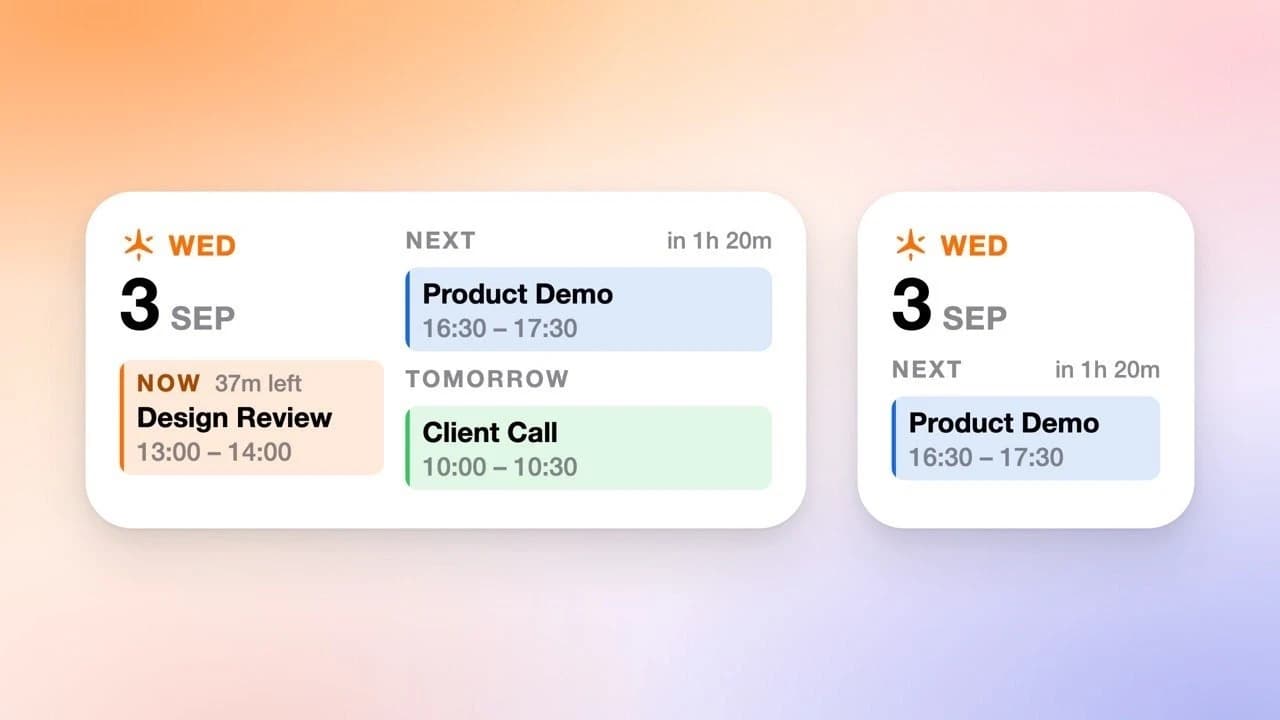
Two widget sizes, one glance. Keep today's date, your live event and the next few up on your home screen, in your own calendar colours. Available on both iOS and Android.
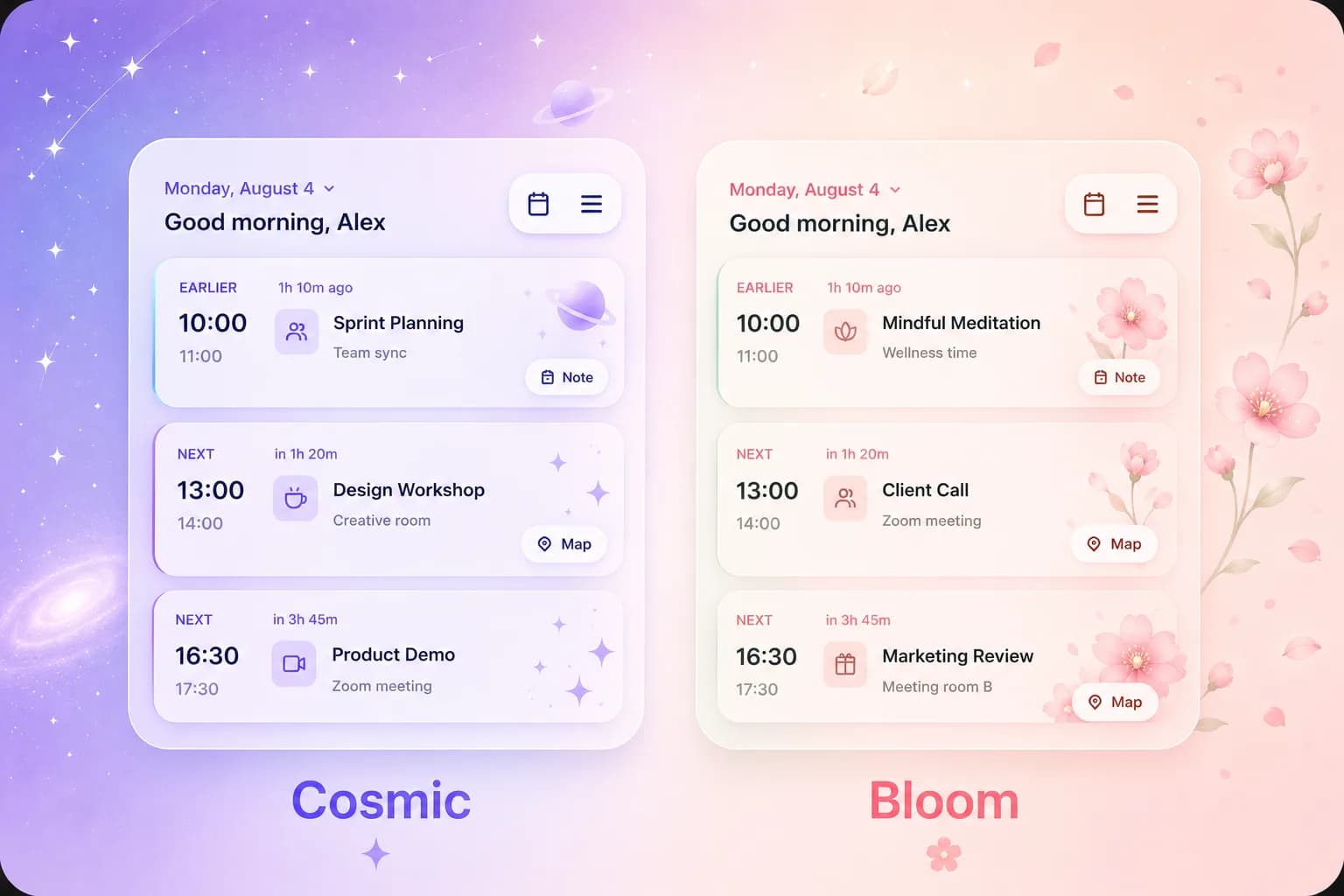
Switch between Cosmic and Bloom for a fresh new look that matches your mood.
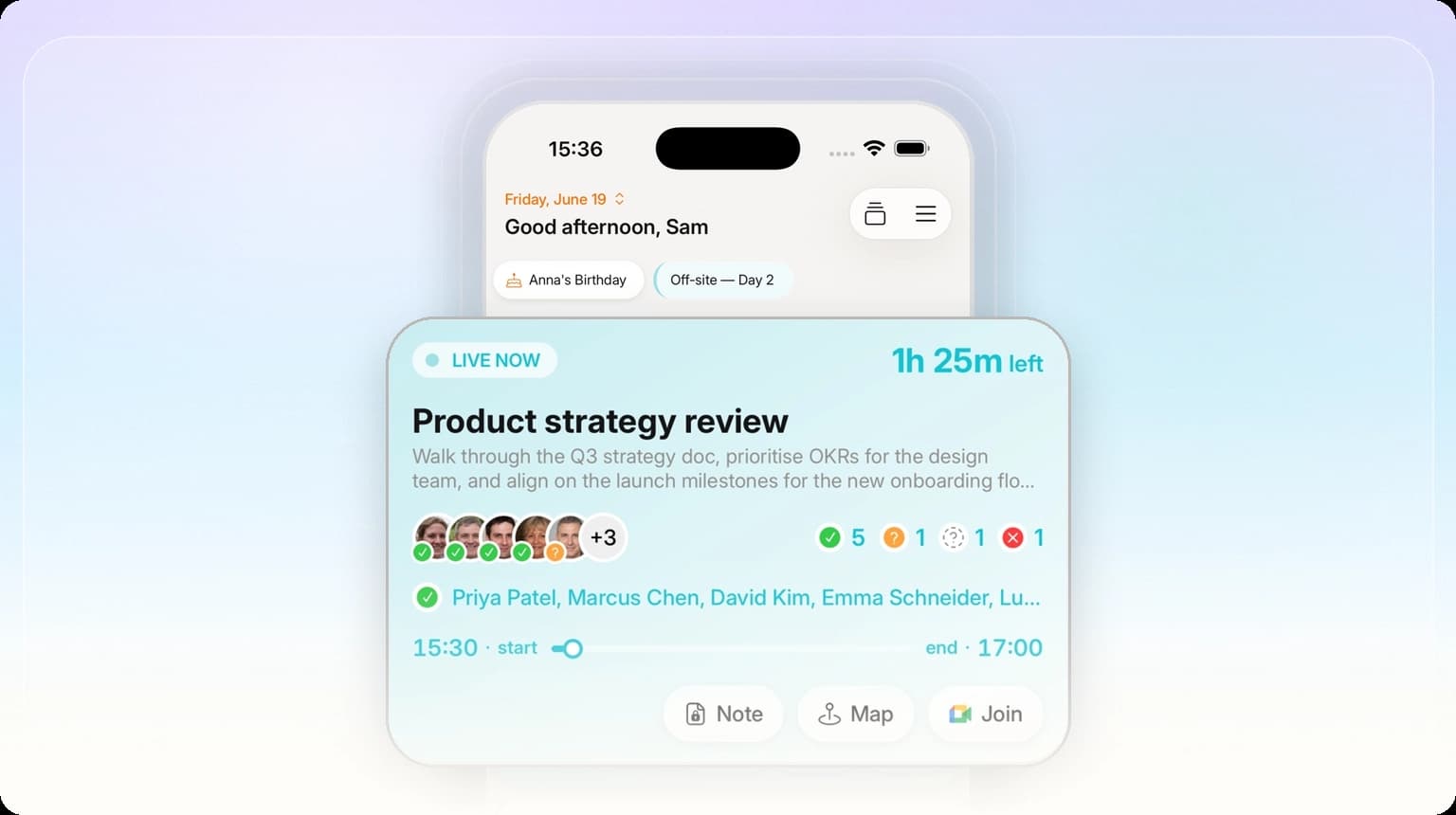
The brand-new Now screen helps you focus on what matters, with your current plans, all-day events, and inbox updates in one clear place.
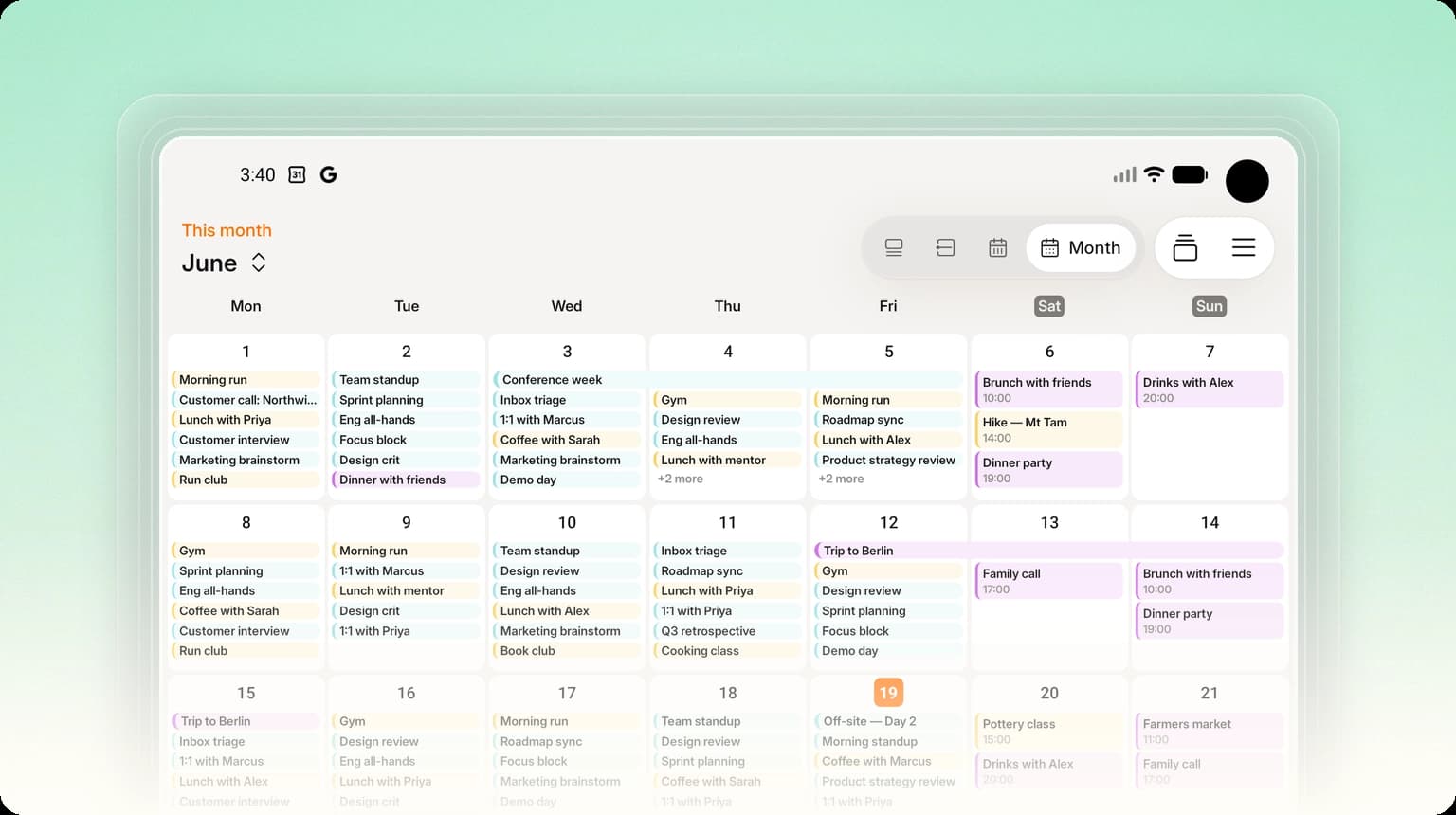
New Month and Week views give you an efficient overview of everything that’s happening, whether you’re planning ahead or simply checking what’s next.
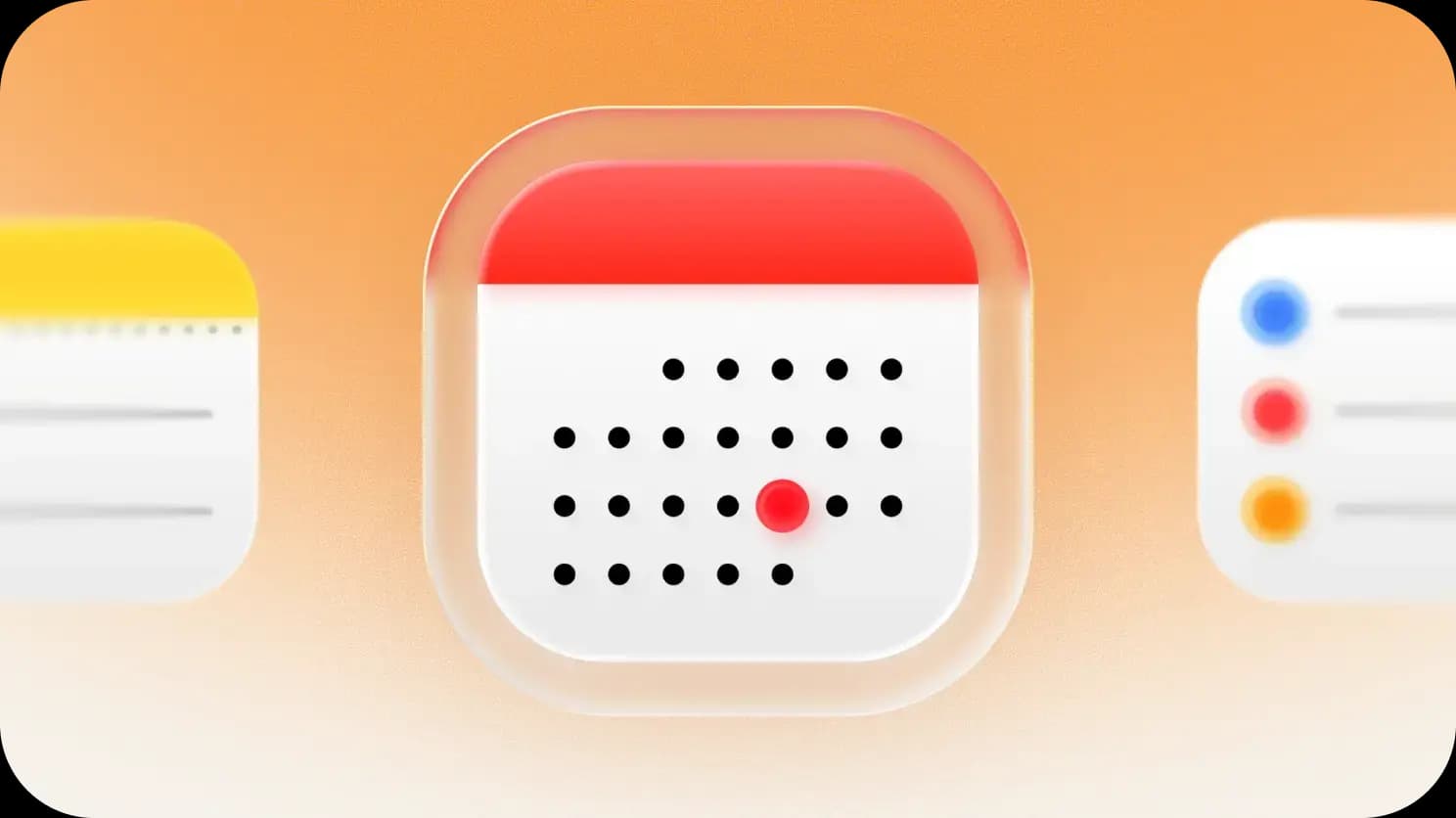
Connect your Apple Calendar and manage all your events in one place. SupaPlan keeps everything in sync, so you stay in control without the hassle.

Chat with your AI assistant on WhatsApp to manage your schedule, reschedule meetings, and add notes — instantly.
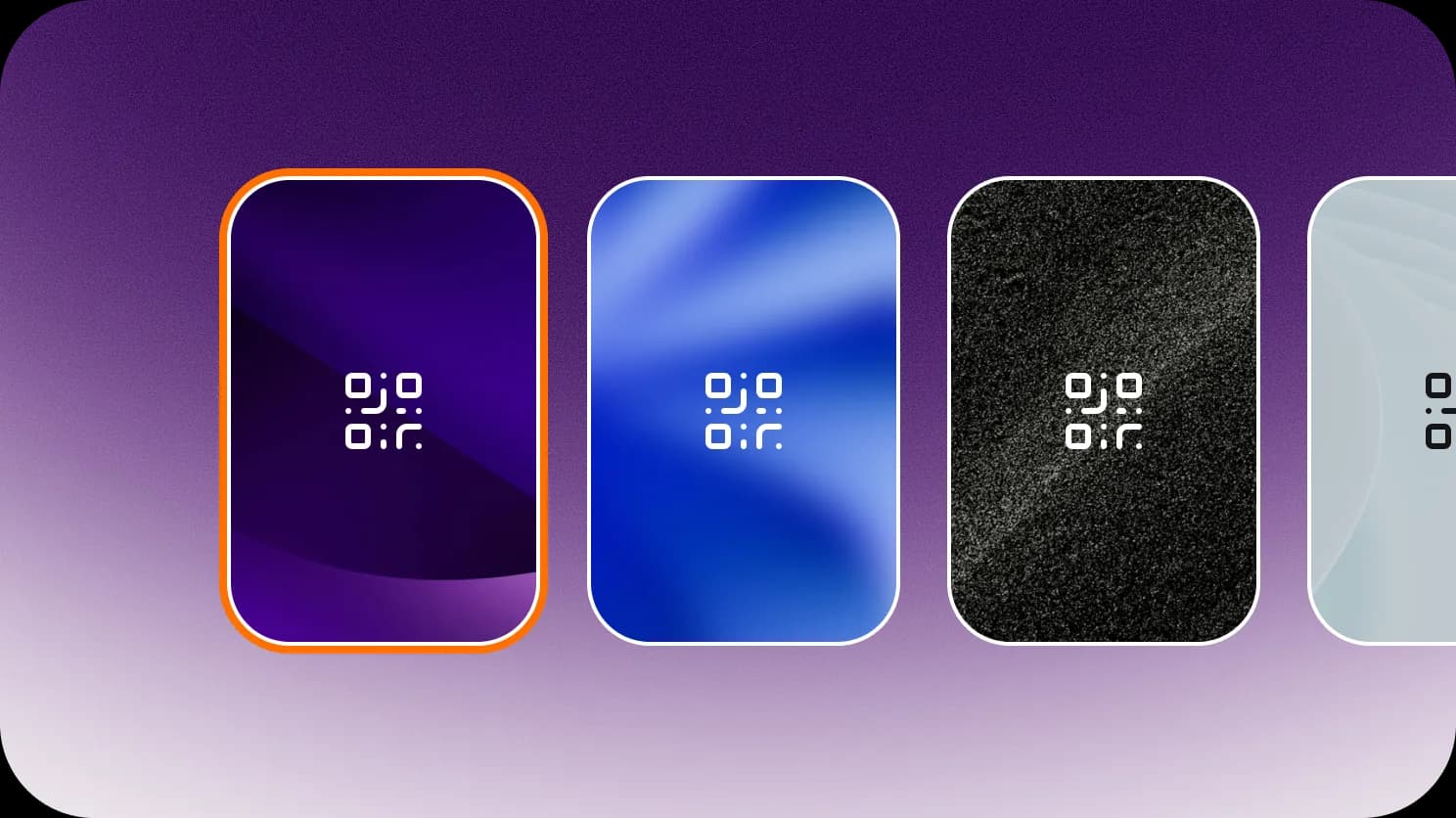
Share your contact in seconds. Just open your QR code and let others scan it — your details are saved instantly to their phone.
Create different cards for work, investing, or personal use. Add your name, company, role, email, phone, scheduling link, or notes. Perfect for meetings and events.
👉 Tap your profile and the QR icon on the right to try it.
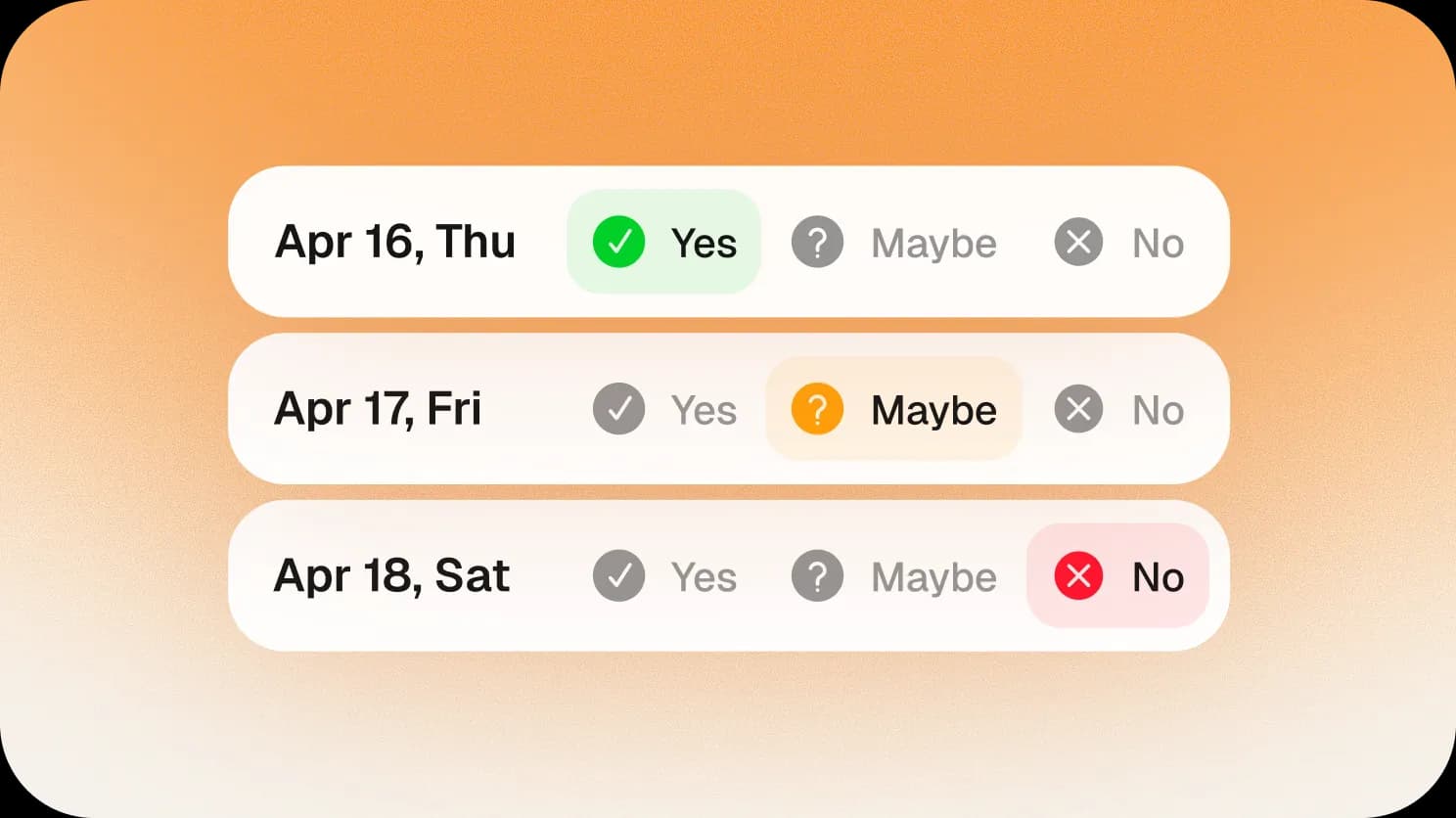
Stop chasing people for availability. Share a simple poll, let everyone pick what works, and your assistant finds the best time automatically. No back-and-forth, no lost messages — just a decision, booked.
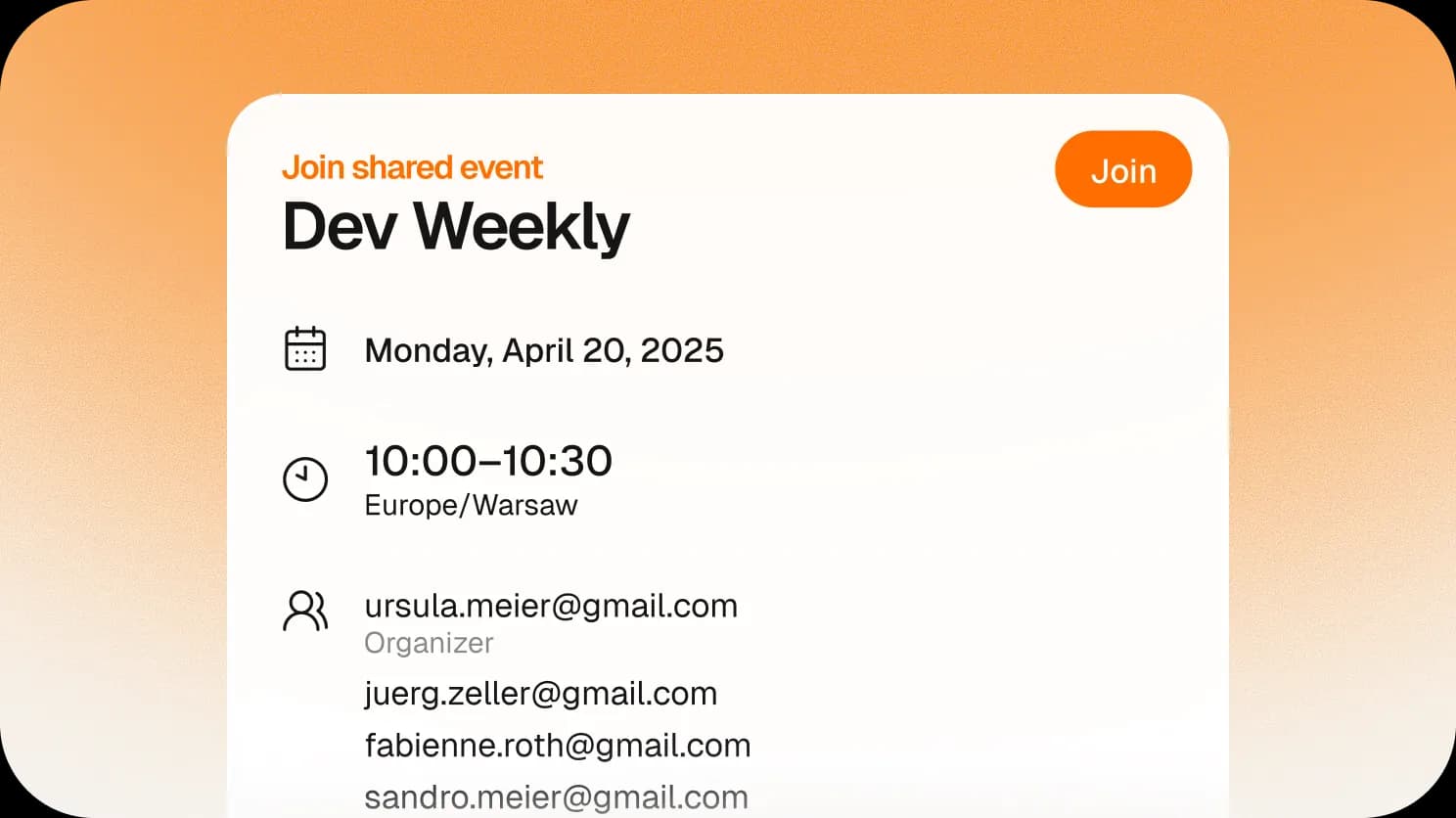
Create an event and share one link — anyone can RSVP with just their name and email. No account to create, no app to download, no calendar invite to wrestle with. You get a live list of who's coming, all in one place. Simple for you, completely frictionless for them.
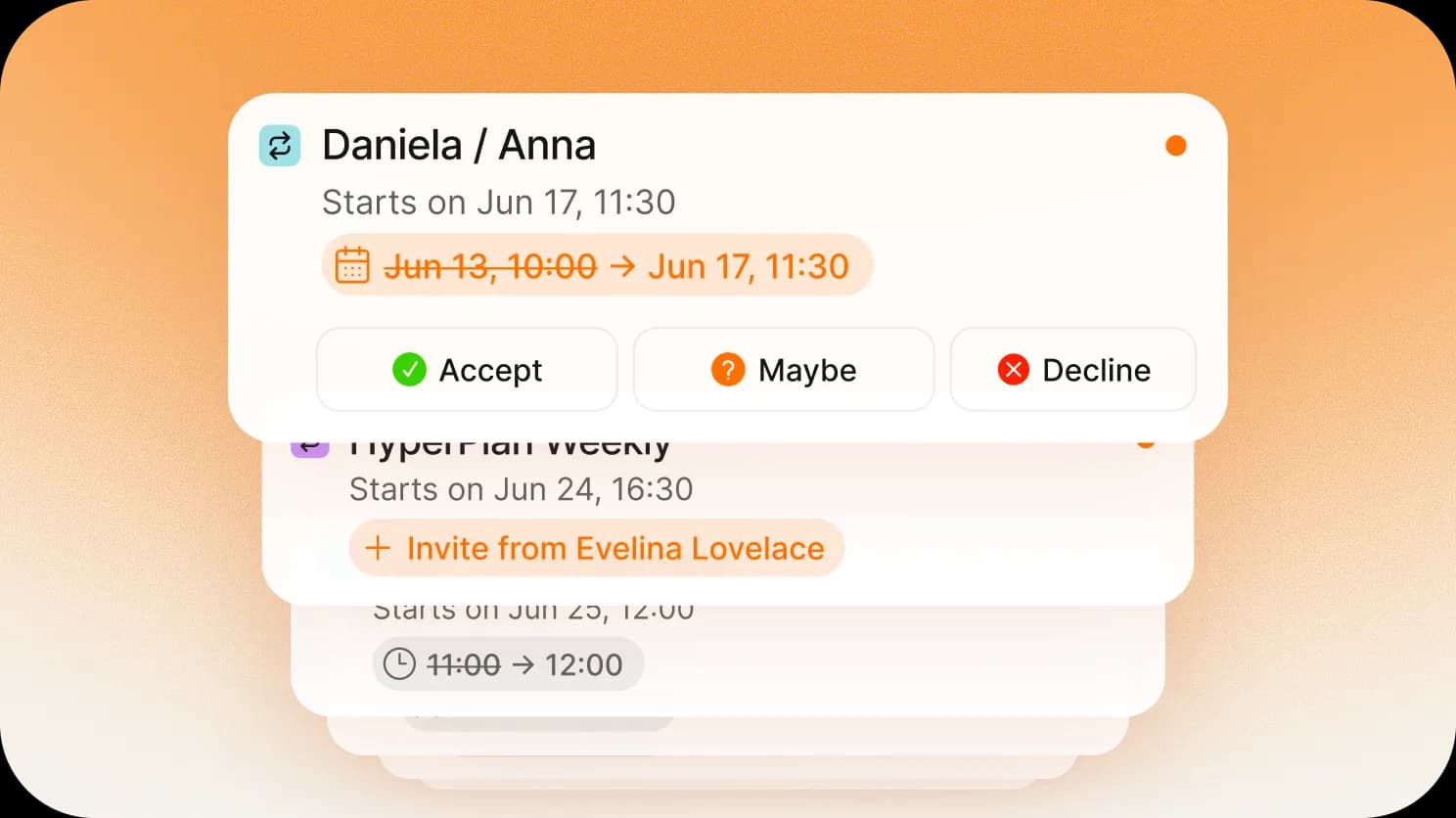
Meetings get rescheduled, cancelled, and added all the time — often while you're already on another call. Instead of digging through your inbox to piece together what changed and when, Supaplan surfaces every update the moment it happens. You're always in the loop without ever opening your email.

Share your scheduling link and let people pick a time that actually fits — no timezone confusion, no endless back-and-forth, no calendar invites bouncing around. You set your availability once, they book a slot, and both calendars update instantly. What used to take ten emails now takes ten seconds.
Explore the assistant, scheduling, and meeting context on your own calendar.
Create free account